 more.scan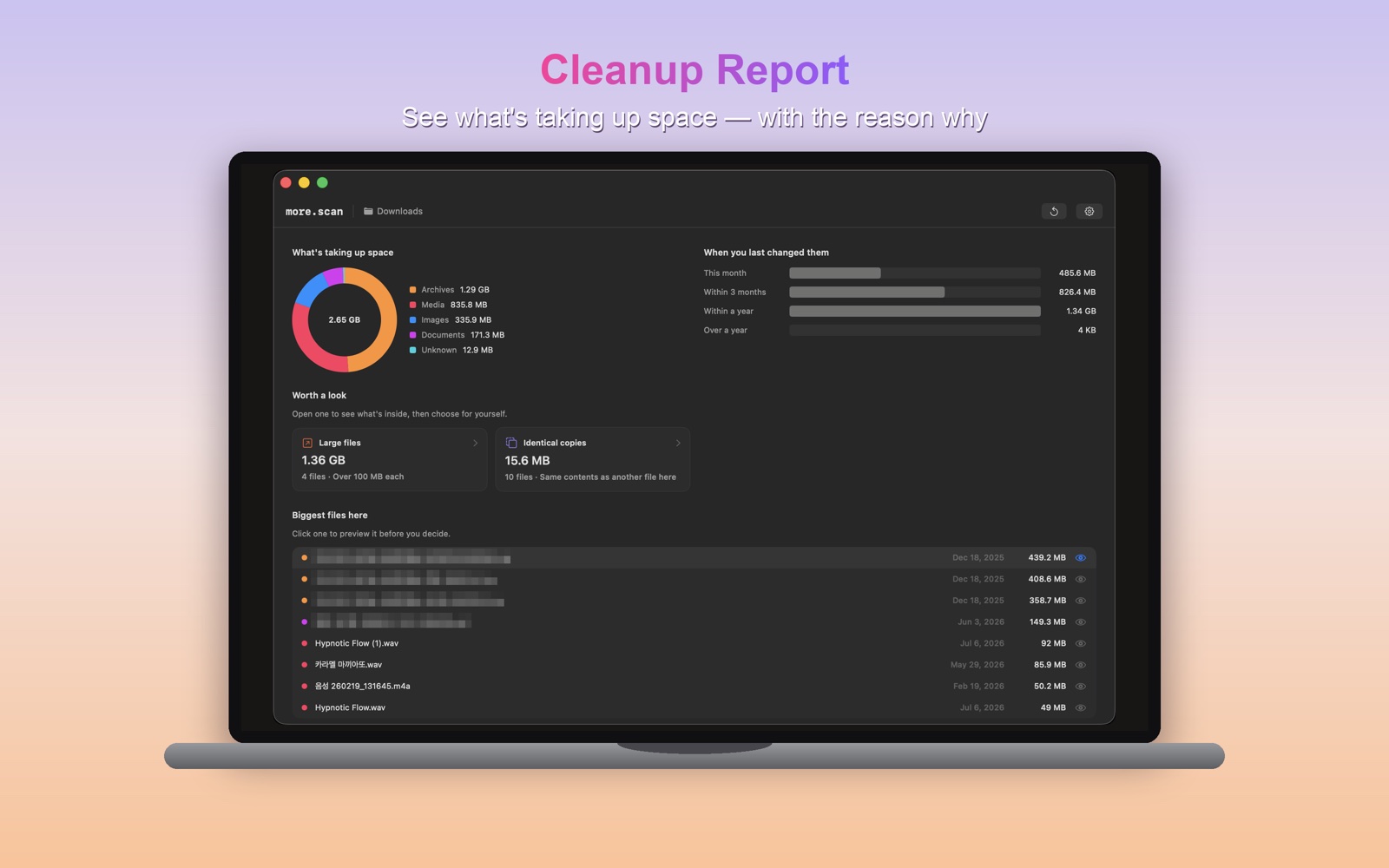
1 · SCAN
Drop a folder
Pick Downloads, Desktop or a project folder. more.scan reads only the folder you choose.
2 · REVIEW
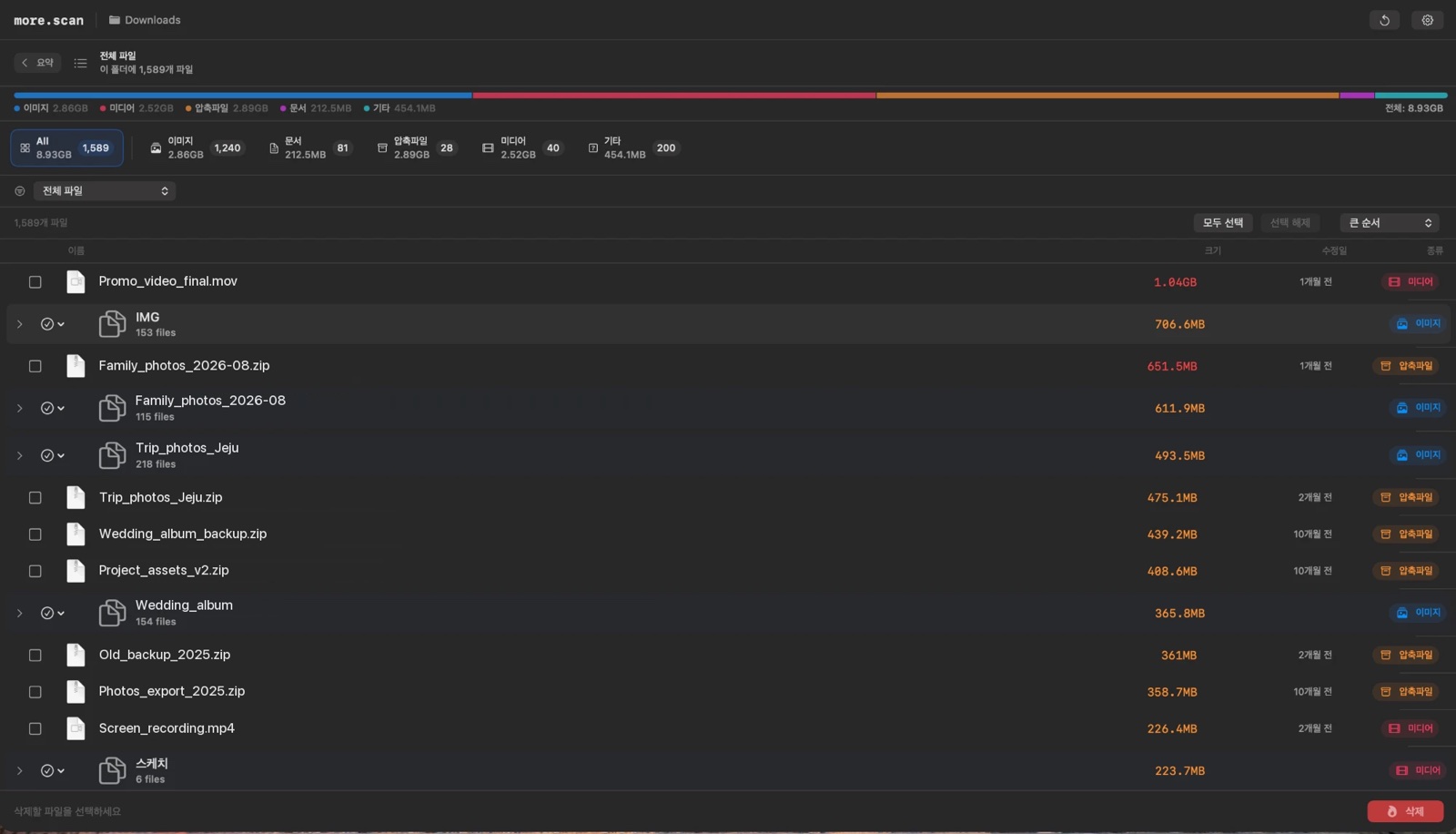
See it by kind
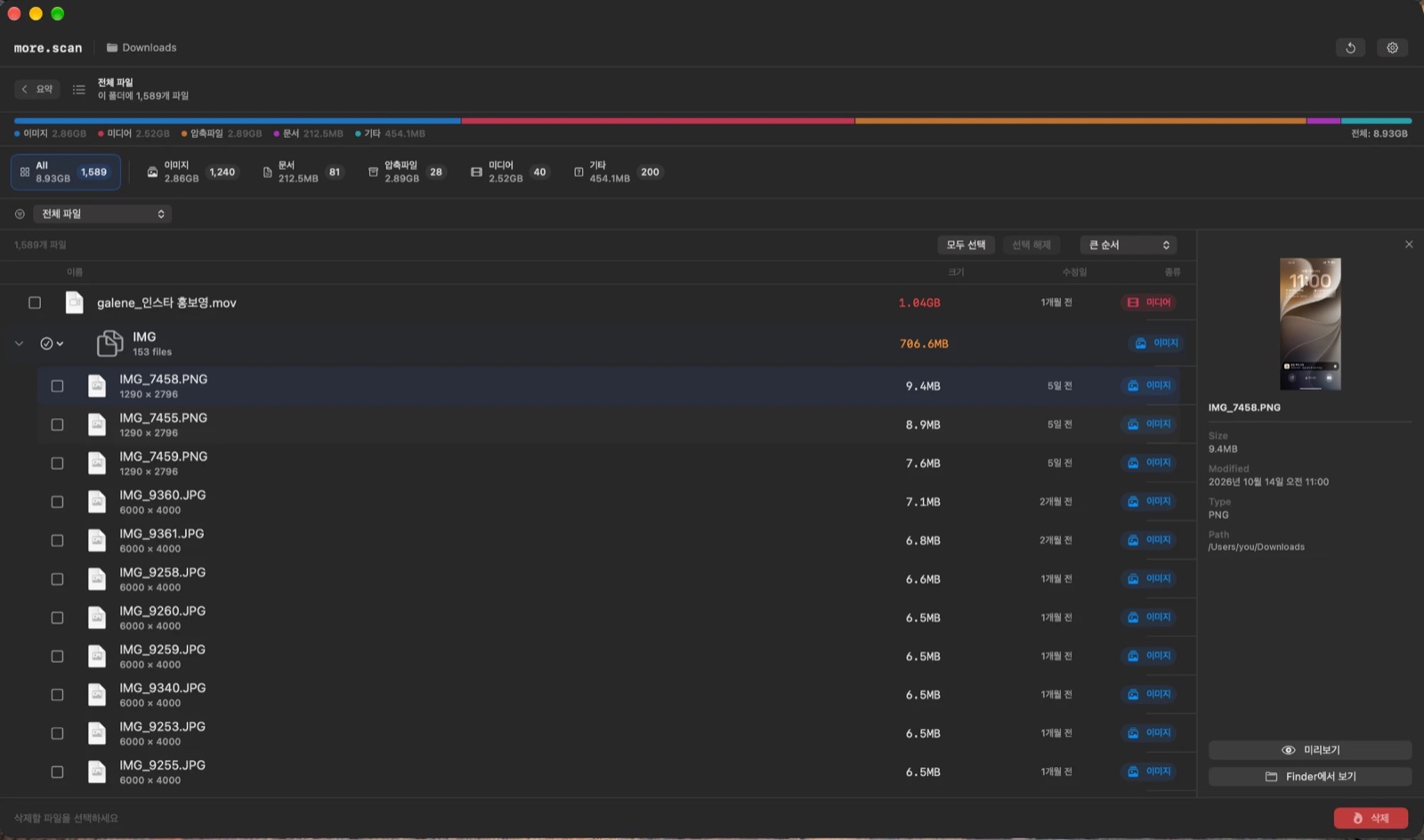
Files are grouped and sorted by size or age. Click one to preview it with Quick Look before you decide.
3 · PURGE
Clean up safely
Chosen files are moved to the Trash, not erased — so you can still get them back.
What it finds
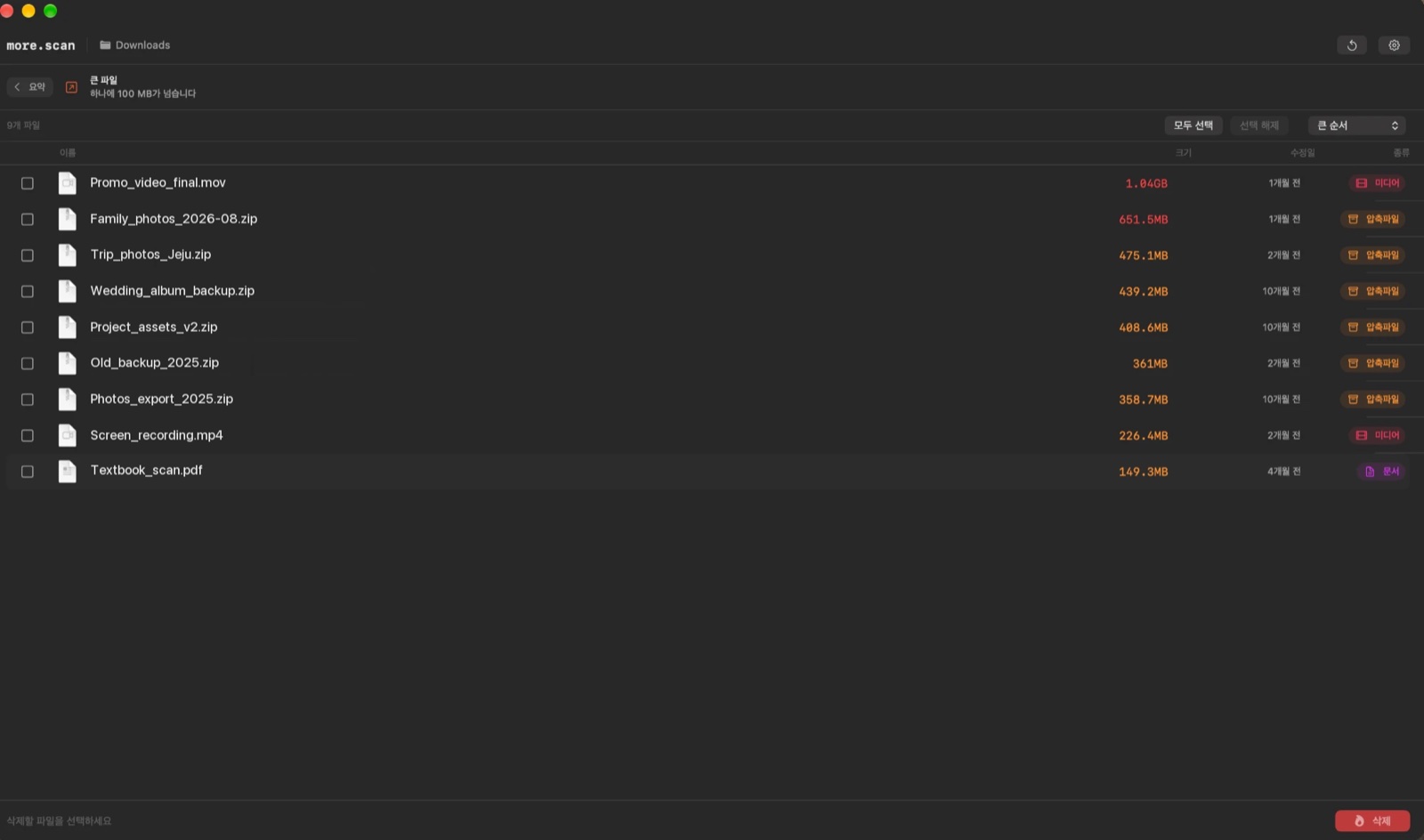
Large files (over 100 MB)
Screenshots & recordings
Installers
Archives
Build leftovers
Temporary files
Duplicates
Untouched for a month
A label on every group
Only the folder you choose
more.scan reads only the folder you drop in — nothing else on your Mac. Your files never leave your computer.